



Skip to content
Leo the Wildlife Ranger

FREQUENTLY ASKED QUESTIONS

Everything about the Leo Kids Games app subscription.

How much does the subscription cost and how does it work?

Purchased on App Store

When you first install the game, we provide you with a 24 hours free preview to explore our full collection of games and videos without any restrictions, and without requiring a subscription.

To continue enjoying our entire range of games and videos after the preview period, all you need to do is subscribe to our monthly or annual plan. We offer both monthly (USD 3.99) and annual (USD 33.99) subscription options. Simply select the desired subscription plan by clicking the "Unlock" button.
Purchased on Google Play

To continue enjoying our entire range of games and videos, all you need to do is subscribe to our monthly or annual plan. We offer both monthly (USD 3.99) and annual (USD 33.99) subscription options. Simply select the desired subscription plan by clicking the "Unlock" button.

How do I renew my subscription plan?

Follow the instructions below for the platform where you originally purchased your subscription.

Purchased on App Store

  1. Make sure you're signed in with the Apple ID that you used to subscribe.
  2. Go into your Settings → Your Name → Subscriptions.
  3. Tap Subscriptions → Leo the Wildlife Ranger Games.
  4. Choose a plan option to renew your subscription.

Purchased on Google Play

  1. Make sure you're signed in with the Google Account that you used to subscribe.
  2. Open the Play Store app on your device.
  3. At the top right of the screen, tap the profile icon.
  4. Tap Payment and Subscriptions → Subscriptions.
  5. Scroll down to Leo the Wildlife Ranger Games and tap 'Resubscribe'.

How do I change my subscription plan?

Follow the instructions below for the platform where you originally purchased your subscription.

Purchased on App Store

  1. Make sure you're signed in with the Apple ID that you used to subscribe.
  2. Go into your Settings → Your Name → Subscriptions.
  3. Tap Subscriptions → Leo the Wildlife Ranger Games.
  4. Choose a different subscription plan.

Purchased on Google Play

  1. Make sure you're signed in with the Google Account that you used to subscribe.
  2. Open the Play Store app on your device.
  3. At the top right of the screen, tap the profile icon.
  4. Tap Payment and Subscriptions → Subscriptions.
  5. Scroll down to Leo the Wildlife Ranger Games and tap 'Cancel'.
  6. After your current plan expires, you can then re-subscribe to a different plan.

How do I cancel my subscription?

Follow the instructions below for the platform where you originally purchased your subscription.

Purchased on App Store

  1. Make sure you're signed in with the Apple ID that you used to subscribe.
  2. Go into your Settings → Your Name → Subscriptions.
  3. Tap Subscriptions → Leo the Wildlife Ranger Games.
  4. Turn off "Auto-Renewal".

Purchased on Google Play

  1. Make sure you're signed in with the Google Account that you used to subscribe.
  2. Open the Play Store app on your device.
  3. At the top right of the screen, tap the profile icon.
  4. Tap Payment and Subscriptions → Subscriptions.
  5. Scroll down to Leo the Wildlife Ranger Games and tap 'Cancel'.

How do I get a refund?

Follow the instructions below for the platform where you originally purchased your subscription.

Purchased on App Store

  1. Sign in to reportaproblem.apple.com.
  2. Tap or click "I'd like to", then choose "Request a refund".
  3. Choose the reason why you want a refund, then choose Next.
  4. Choose the app, subscription or other item, then choose Submit.

Apple handles App Store refunds directly: reportaproblem.apple.com

Purchased on Google Play

  1. Find your Google Play Order Receipt. (can be found in your email inbox)
  2. Copy the Order ID and paste it to us. Example: GPA.1234-5678-9101-11213
  3. Then we will proceed with the refund immediately.

Send your Order ID to support@leowildliferanger.com

STILL NEED HELP?

Can't find what you're looking for? Get in touch and we'll be glad to help.

CONTACT US
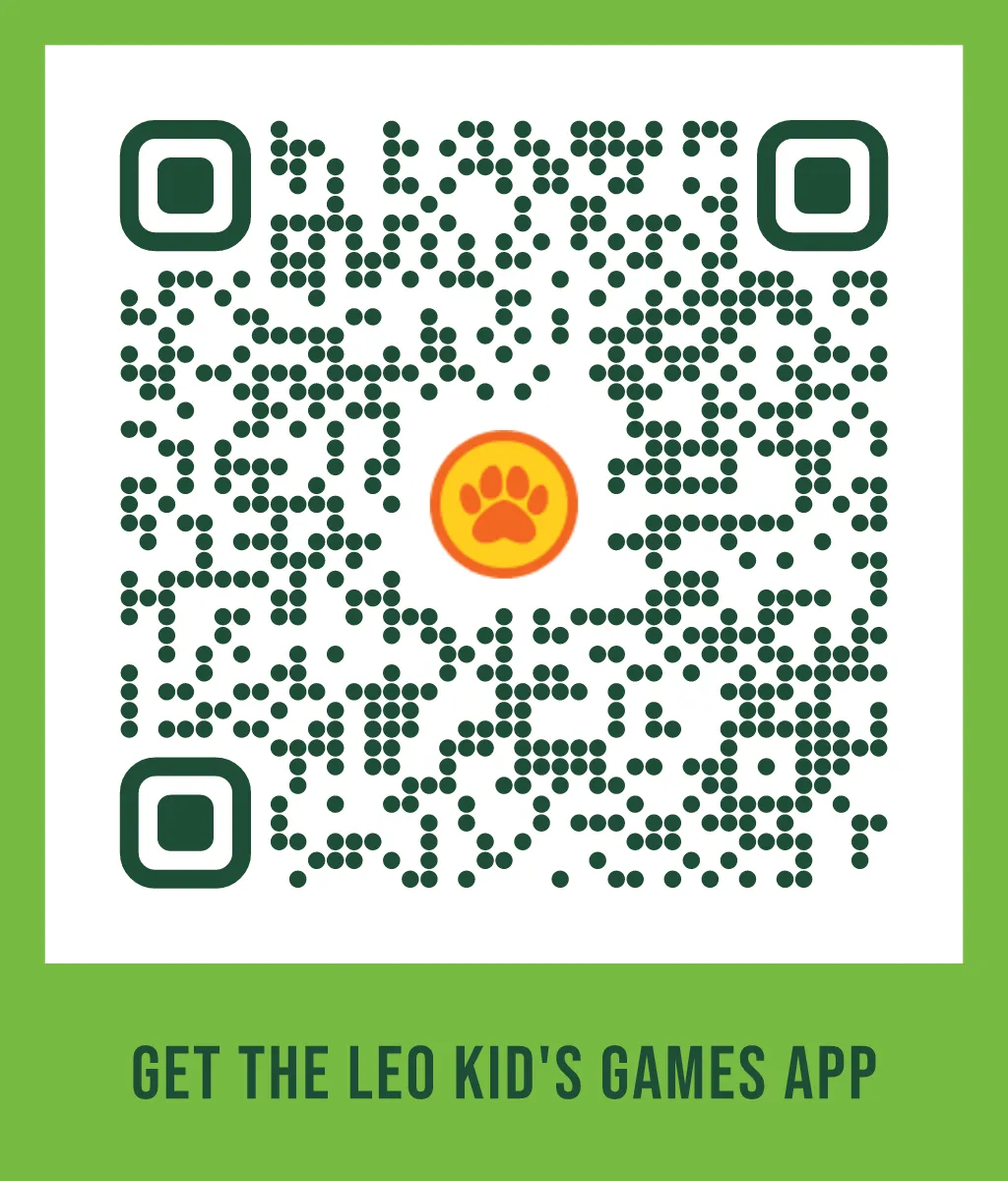
QR code to download the Leo Kids Games app

Tap or scan to get the app

Leo the Wildlife Ranger Club

BECOME A JUNIOR WILDLIFE RANGER

The adventure doesn't end when the episode does.

Join Leo's global community of Junior Wildlife Rangers and help your child explore the natural world, discover amazing wildlife and learn how small actions can make a big difference.

You get:

  • Leo's Junior Ranger Newsletter
  • A new printable activity every month
  • Special offers for the Leo Kids Games App
  • Members-only discounts at the Leo shop

It's free. Join today and help raise a generation that loves and protects nature and wildlife.

SIGN UP FOR PARENTS

Up to 2 emails a month, and you can unsubscribe any time.

Enter your email and tick the box to join.

By submitting, you agree to receive emails about Leo the Wildlife Ranger news, activities and offers from us. You can unsubscribe at any time. Read our Privacy Policy for details.